Bookings & calendar
Setting up services and resources
Services are what customers book; resources are where it happens. Together they define your online availability.
2 min lezenBeginnerBijgewerkt op 13 oktober 2026
Services are what customers book; resources are where it happens. Together they define your online availability.
A service has a duration, a price and a cleaning buffer. A resource (like a float tank or sauna room) is the physical spot that's occupied during a booking.
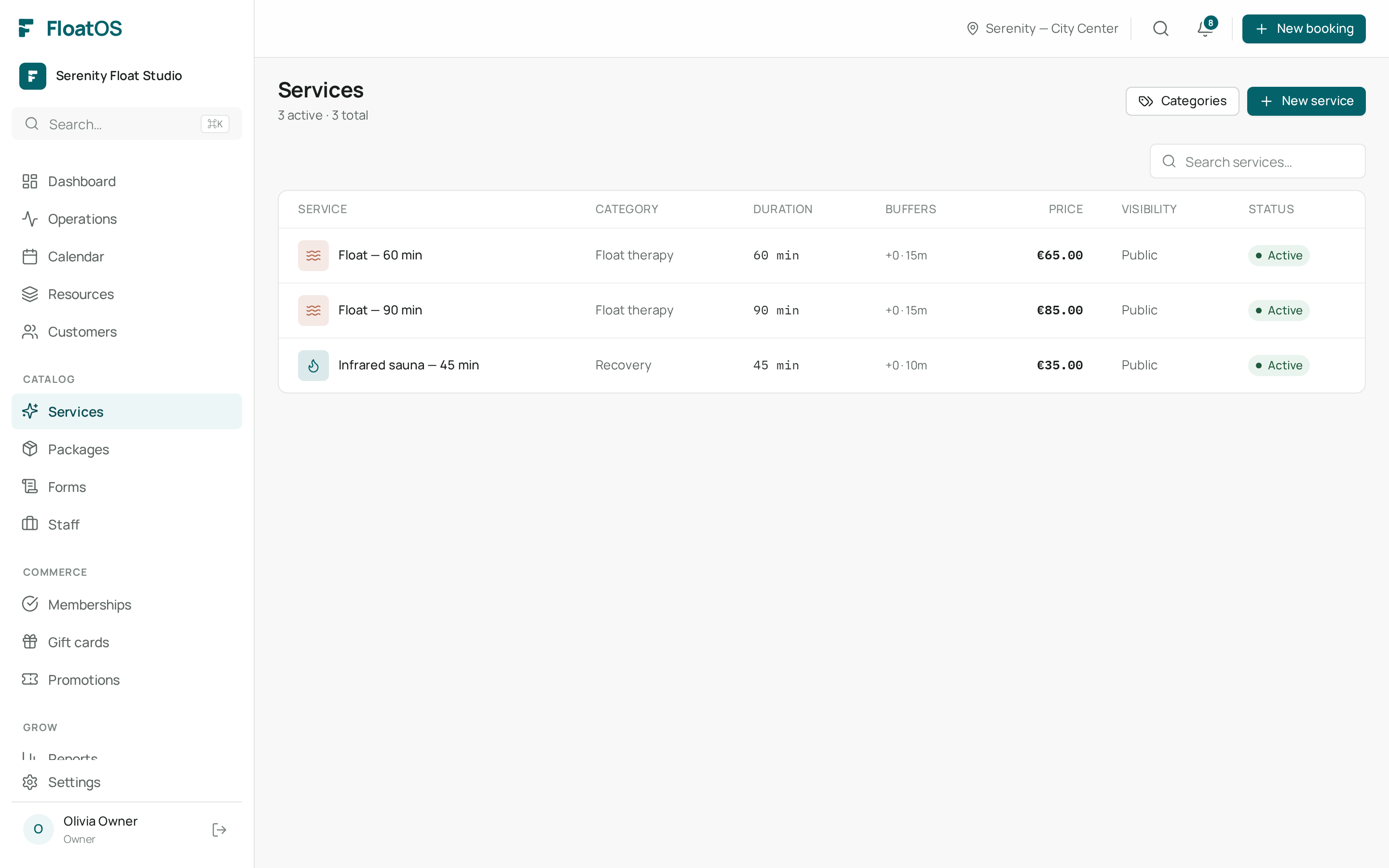
Don't forget the cleaning buffer. FloatOS automatically keeps that time free between bookings so you never double-book.
You manage resources under Resources. Each resource has a status (available, cleaning, out of service) to temporarily take it out of the schedule — handy during maintenance.
As soon as a service is linked to at least one resource, it's bookable online.
A service is what the customer picks (e.g. Float 60 min). A resource is where it happens (e.g. Tank 1). One service can be booked on multiple resources.