Getting started
Publishing your website
Every center gets a complete, bookable website. Tailor the pages and take it live on your own domain.
2 min lezenBeginnerBijgewerkt op 12 oktober 2026
Every center gets a complete, bookable website. Tailor the pages and take it live on your own domain.
Your website already exists: FloatOS published a five-page starter site when your center was created. Now you make it yours.
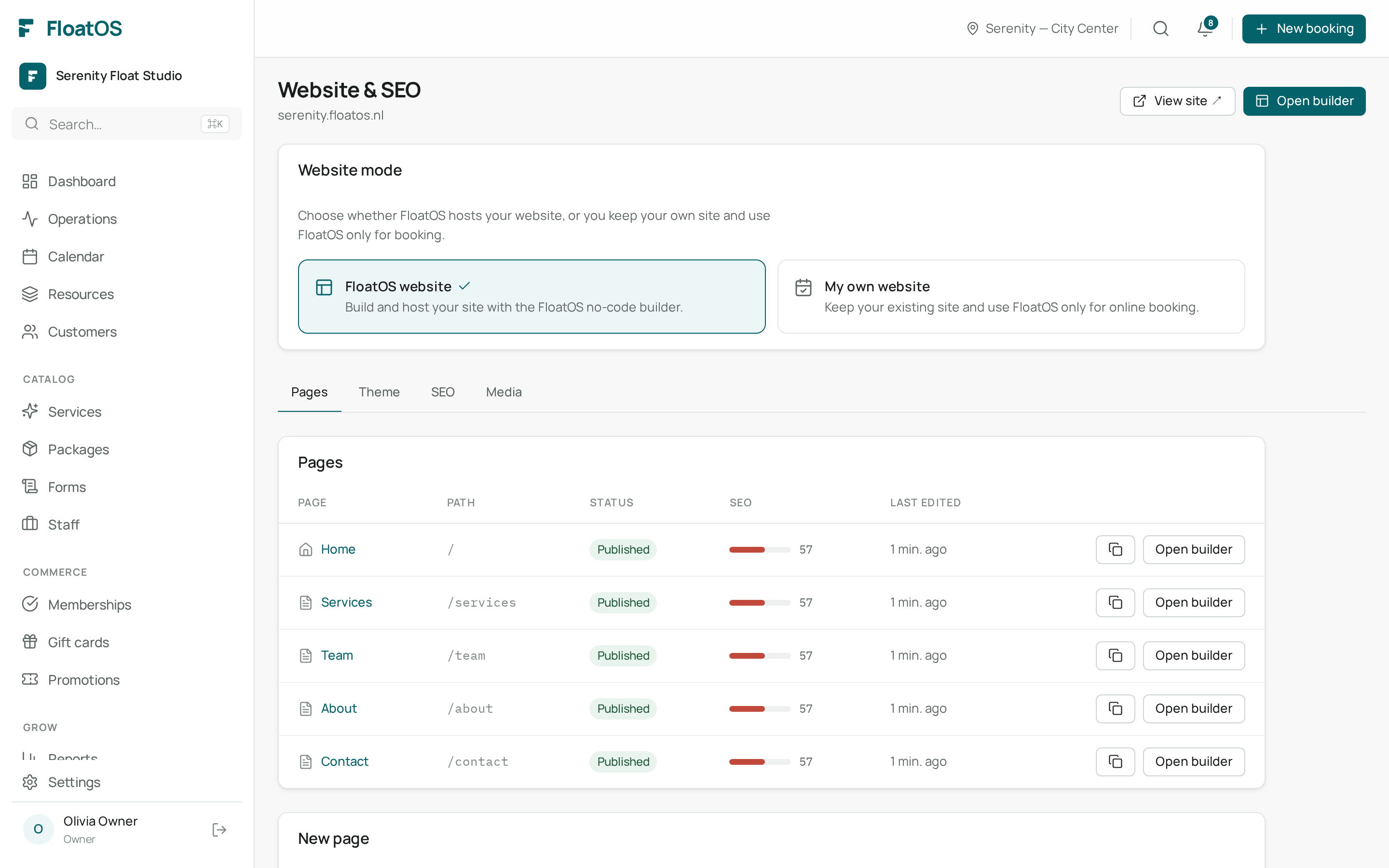
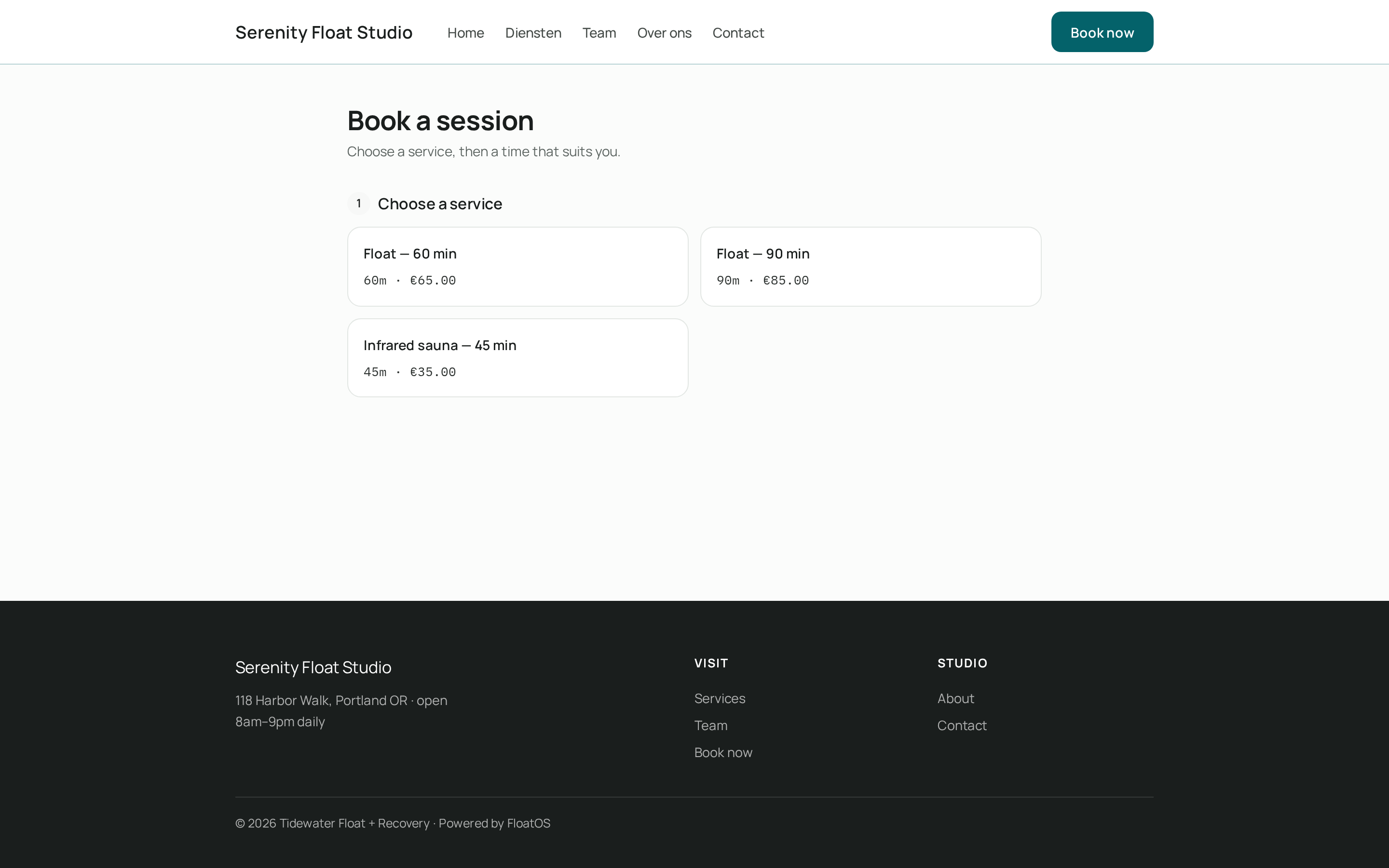
No domain yet? No problem — your site is instantly reachable at your-name.floatos.nl.
You now have a live, bookable website that matches your branding. Customers can reserve 24/7.
Yes. Many centers use only the booking page and keep their own site. You can also switch over completely.