Bookings & calendar
Managing customers
Every booking builds your customer base. View history, contact details and marketing preferences in one place.
2 min readBeginnerUpdated October 14, 2026
Every booking builds your customer base. View history, contact details and marketing preferences in one place.
Under Customers you'll find everyone who has ever booked with you, with their booking history, purchases and memberships.
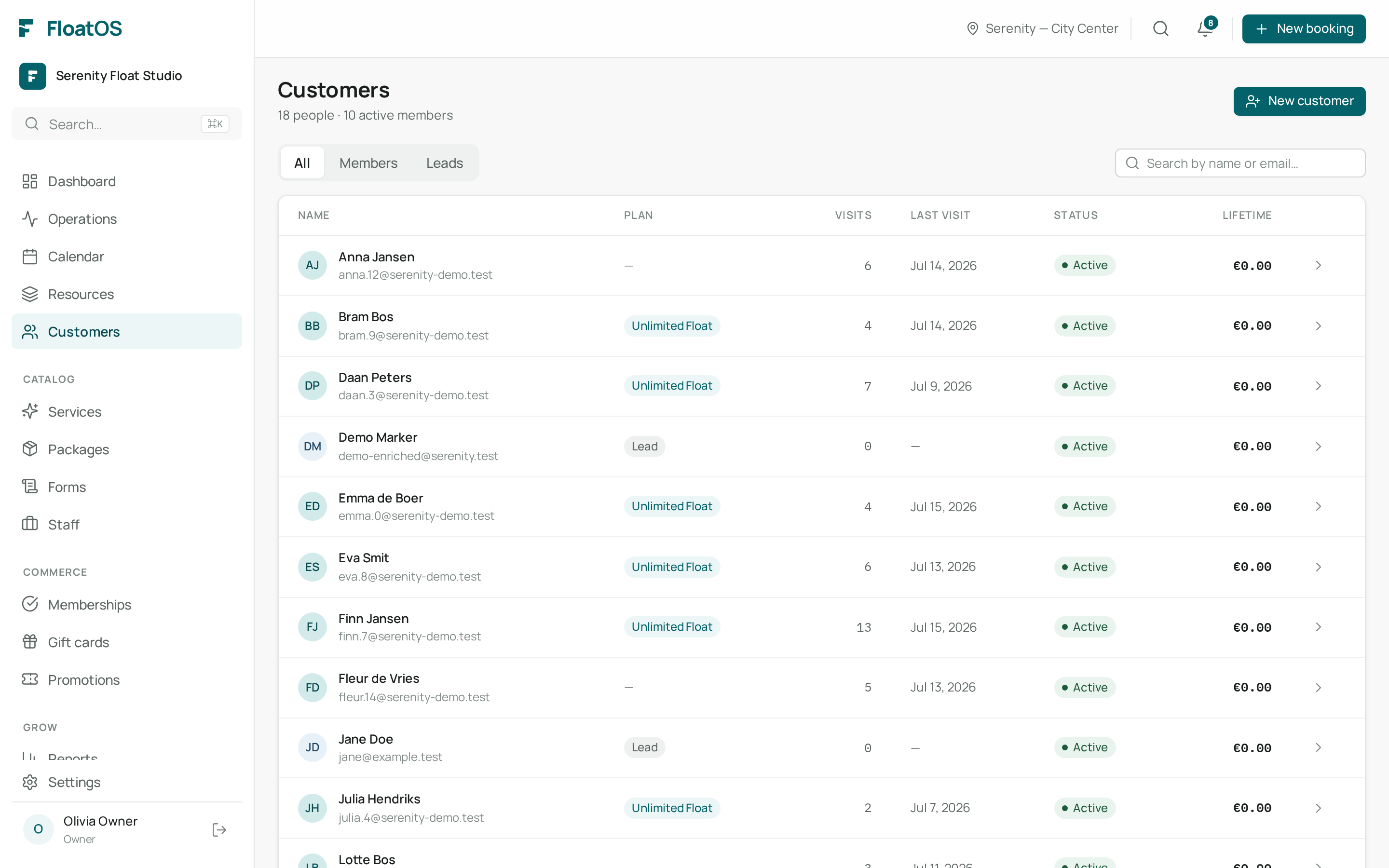
Click a customer to see everything: upcoming and past appointments, amounts paid, active packages and marketing opt-in.
Only customers who opted in to marketing receive your newsletters. FloatOS respects that choice automatically.
Yes, via Customers → New customer, or automatically when you create a booking for someone.